|
|
Presentation Three
This is where I left off last time.


I haven't really encountered any problems since my last presentation except for the glacial slowness and strange habits of the computers that I have been using.
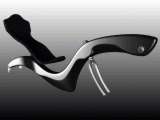
Since the last presentation I have finished off the seat. This was just simple skinning and filleting, etc. Easy.
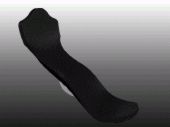
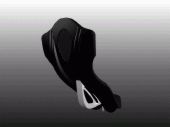
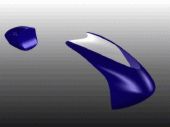
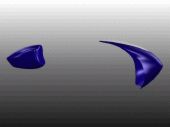
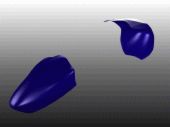
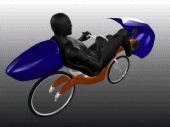
I also added front and rear fairings. Again, simple geometry. The tail box was created fron a sphere and the front fairing from a skin made between three curves. To get all of the bulges in both, I just turned on CV's and hulls and tweaked them.
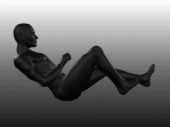
I said last time that I was going to add a figure and so I did. I took some pictures of myself on my recumbent and imported them into Poser as background images. Then I just selected the proper archtype and matched his pose to mine. From there, I just exported is as a dxf file and imported it into Alias.

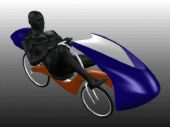
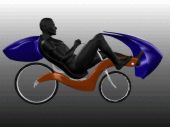
After the figure, I put in a few details here and there: some rims and tires for reference, handlebar, etc. I had planned on doing an elaborate animation, but the slowness of the computers dictated that I do something simple. This is a turntable-like animation of the repainted frame and figure sitting on it. It does not have any components, that was not the intention of this project. The fairings aren't attached to anything because I haven't figured out yet how I would attach them. Enjoy the animation.
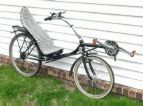
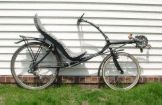
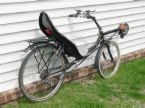
Here are some stills of the model as well as some pictures of my existing recumbent.
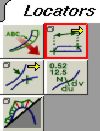
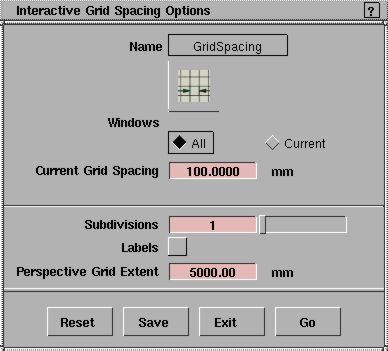
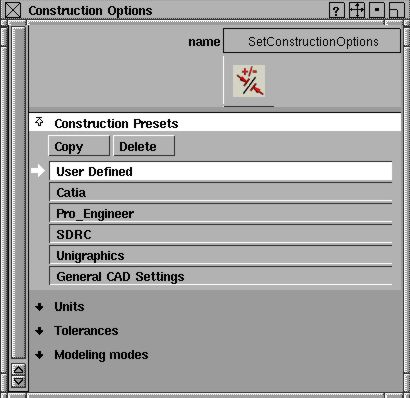
Someone mentioned some interest in the locators that I used. These can be found in the locators tab on pallet menue at the bottom. There are several locators to choose from. I mainly used distance but also angle and annotation. To move them, use the move locator tool in the popup menu. To delete one, use the move locator tool to select the locator to be deleted or go to the pick tab in the pallet menu and one of the options there is pick locator. Once selected, locators can be deleted just like anything else. When using these, it is a good idea to take a look at the settings in the construction preferences as well as the grid spacing. Construction preferences are under the preferences menu and grid spacing is under the construction tab in the pallet then grids/grid spacing.